Introducing Logi Options+
Enhance your experience
Logi Options+ is a powerful and easy-to-use application that enhances your Logitech mice, keyboards, and touchpads.
Customize your device with Options+ to achieve more, faster.
Download For Windows
Download For Mac
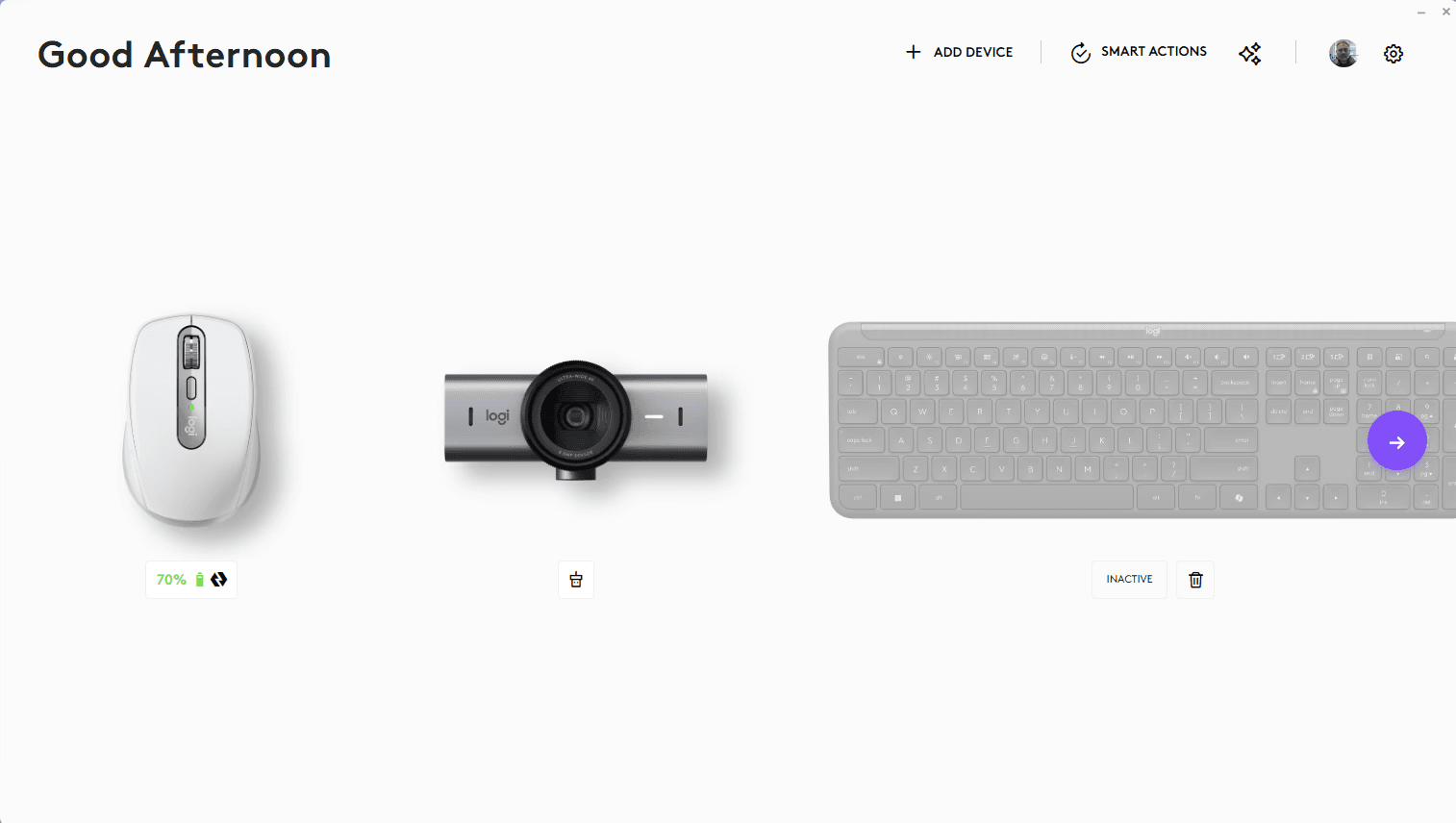
One App for All Your Devices
Customize your device with Options to achieve more, faster.
NEW
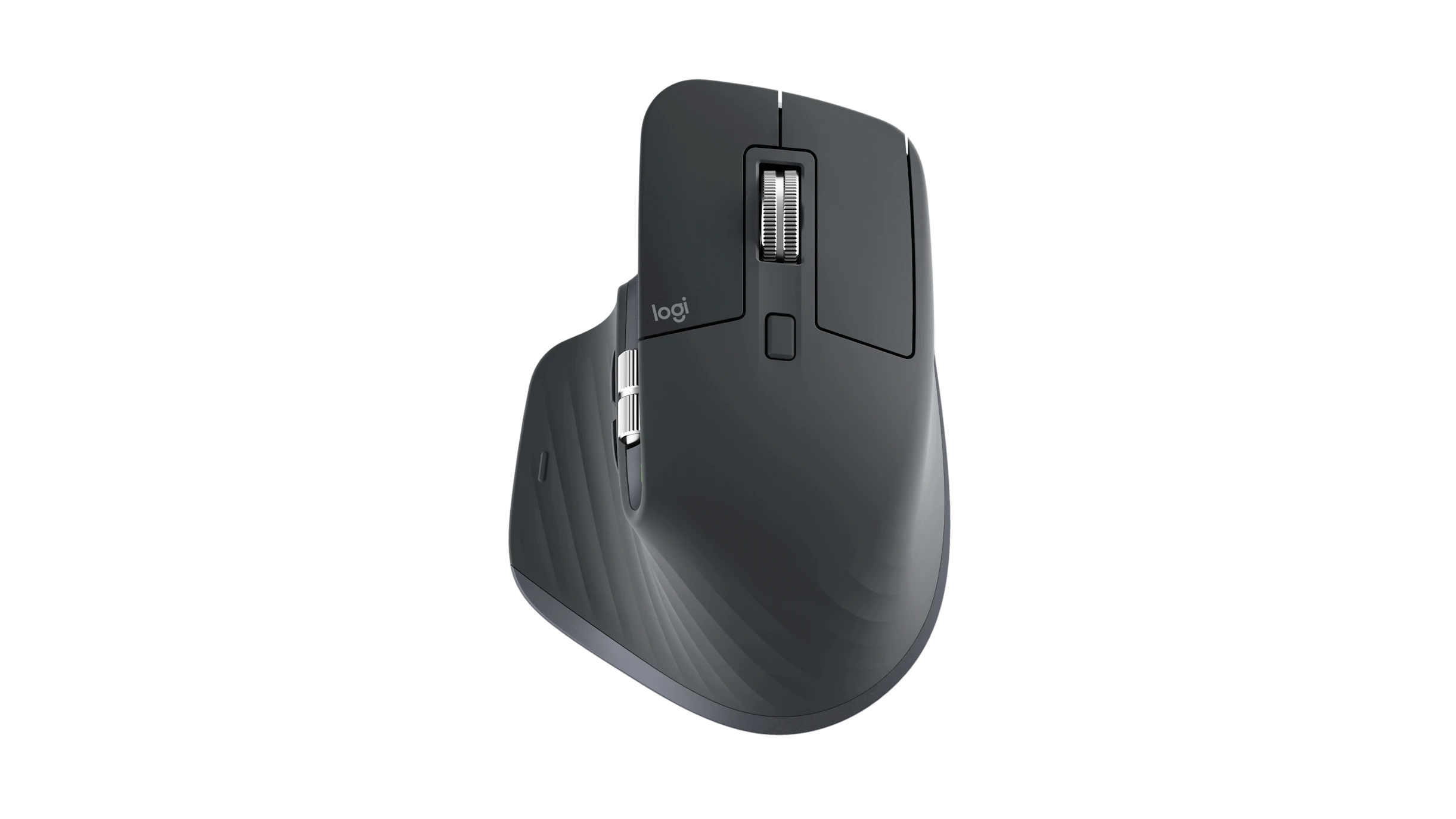
Mouse
MX Master 3s
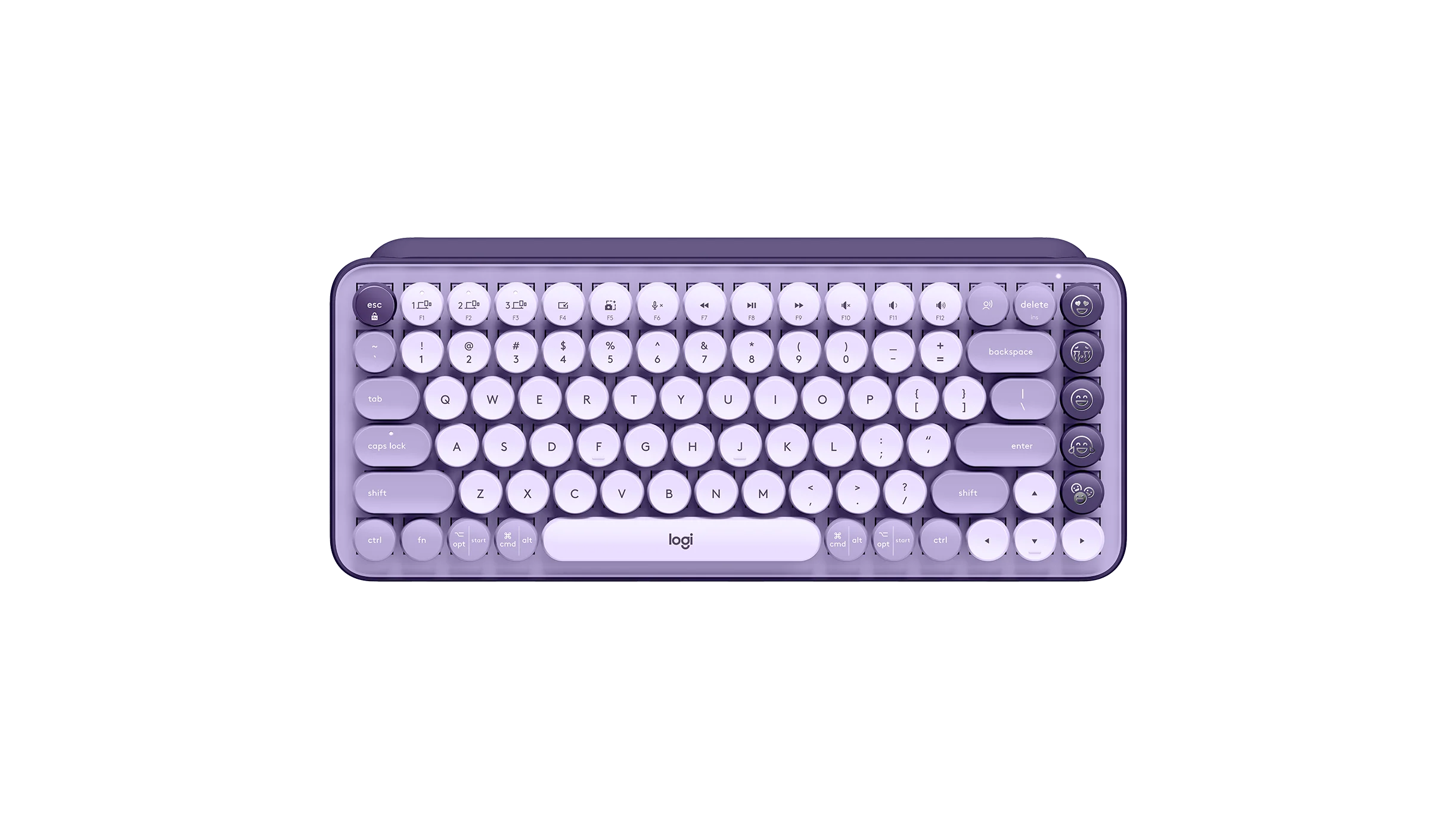
Keyboard
POP Keys
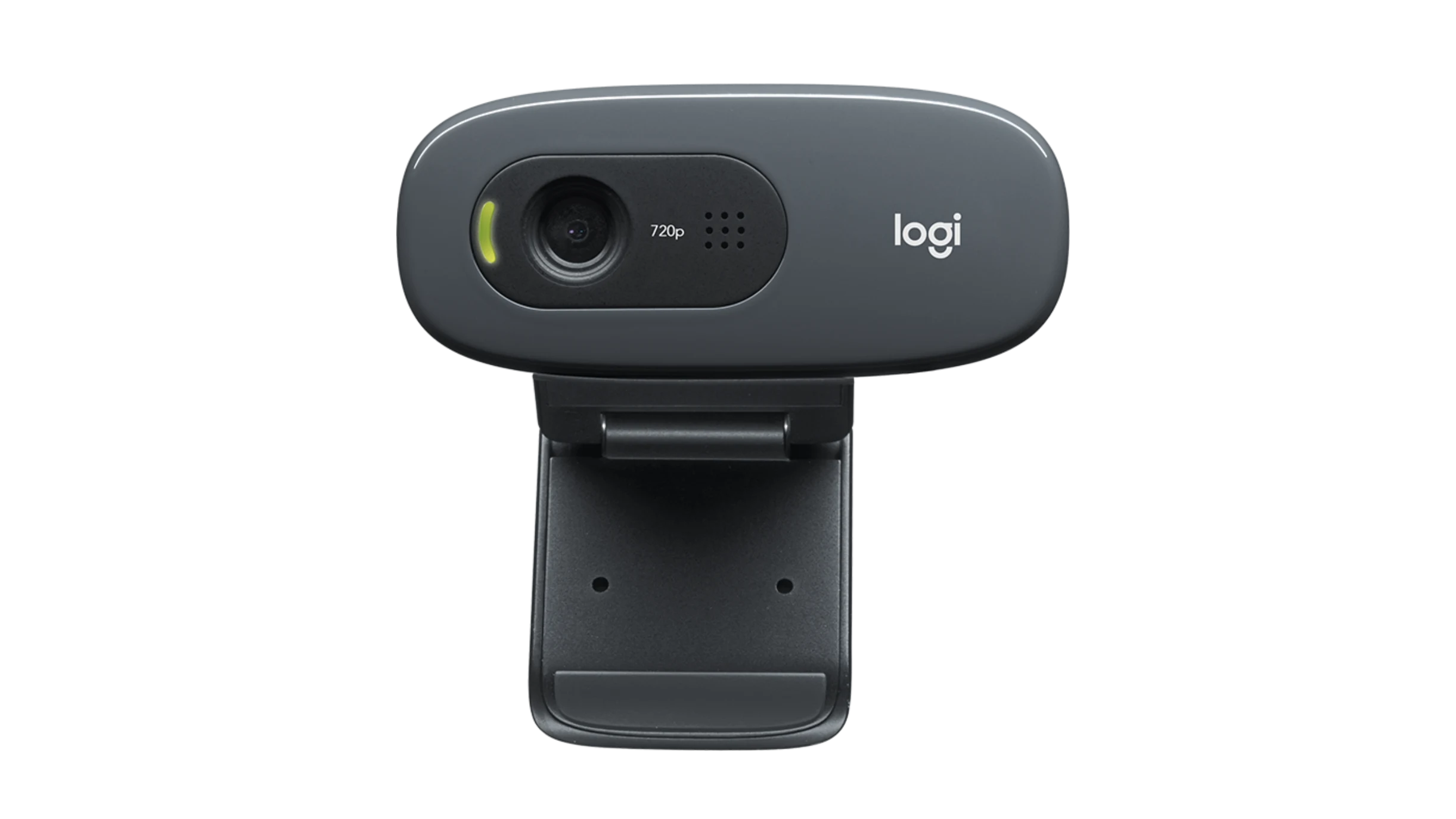
Webcam
C270 HD Webcam
NEW
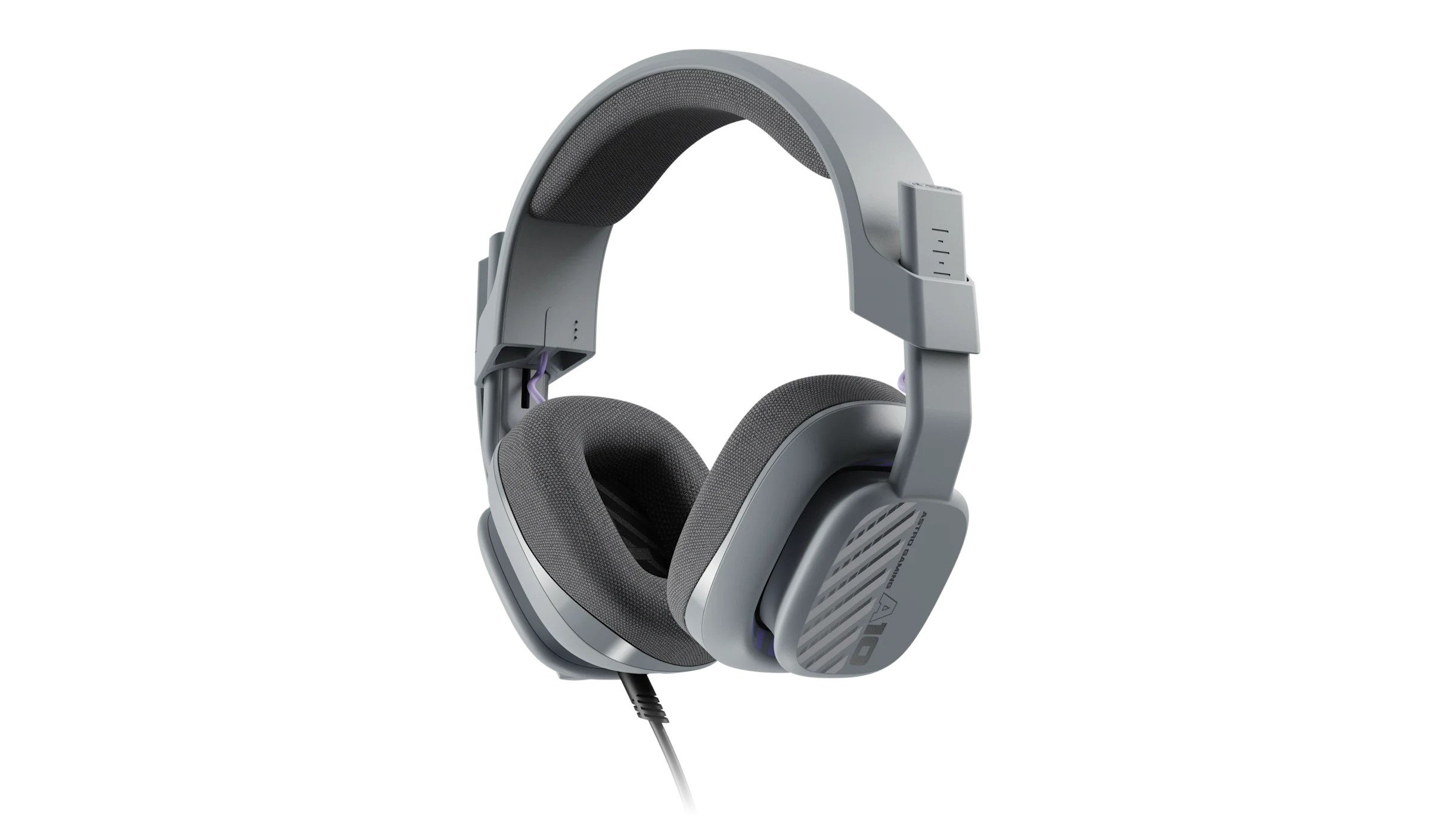
Headphones
Astro A10
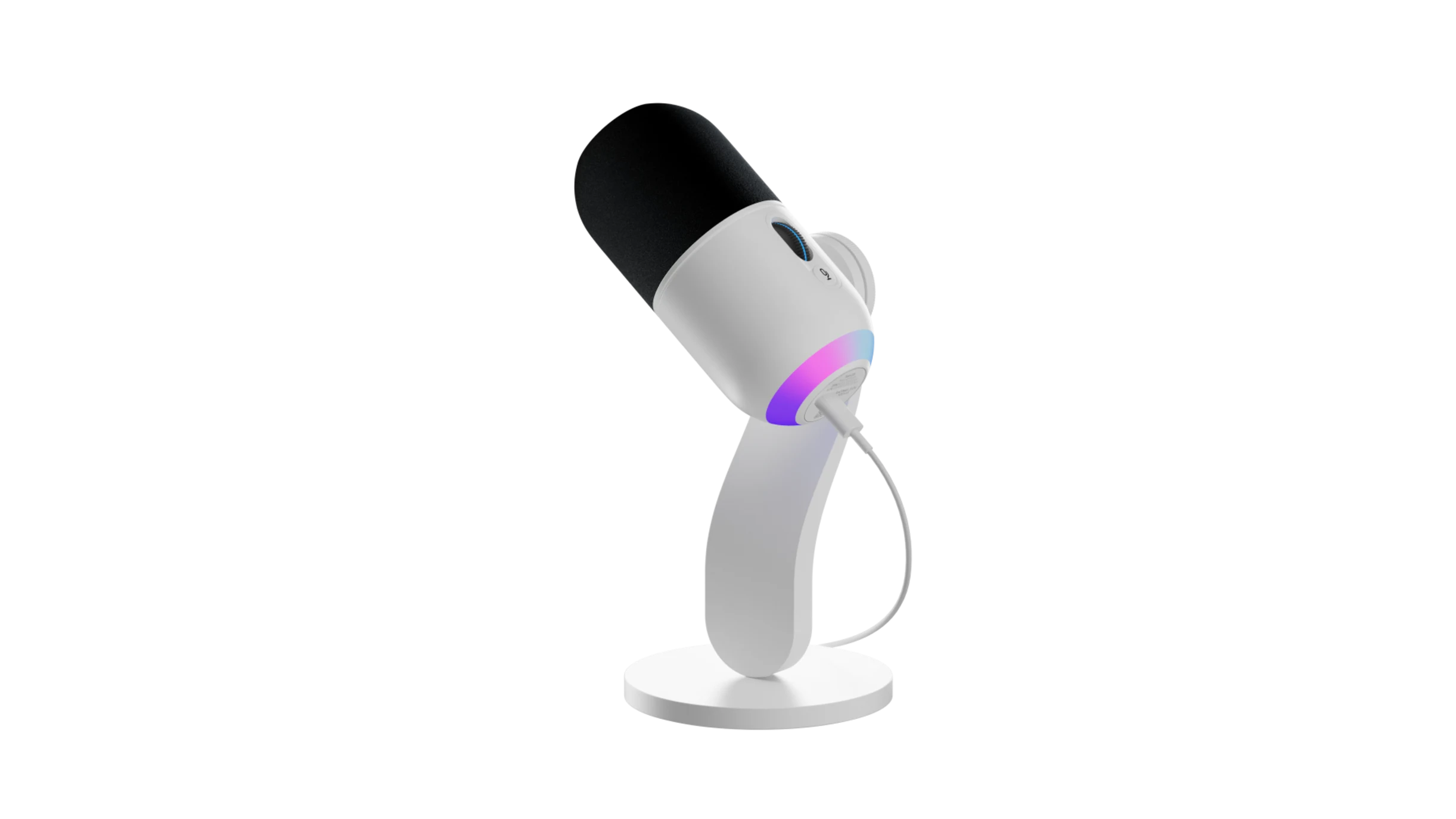
Microphone
YETI GX
Make It Your Own
The Logi Options+ App enables you to customize all your supported devices including mice, keyboards & various other devices.
Get more done with the easy-to-use Options+ App.
Smart Actions
Automate multiple tasks with one click or keystroke, boosting your productivity instantly.
AI Prompt Builder
Build prompts faster and easier, saving time while boosting your efficiency and creativity.
Gestures
Simplify your workflow by assigning gestures to mouse buttons and touchpads for quick navigation.
Logi Flow
Seamlessly control multiple computers, easily transferring text, images, and files between them.
Per App Customization
Assign custom actions to your devices. Optimize settings uniquely for different apps like Photoshop.
Customize
Fine-tune your mouse experience. customize the speed, scrolling, and direction for smooth control.
See Options+ in Action
Get a glimpse of the intuitive interface and powerful features waiting to transform your Logitech experience.
What The Internet Is Saying
See why creators and publications think of Logi Options+






Frequently Asked Questions
Find quick answers to common queries about Logi Options+.
